MySchedule Planner is a powerful and easy-to-use scheduling tool designed to help individuals manage their daily tasks, organize routines, and improve overall productivity. In today’s fast-moving digital world, proper time management has become more important than ever. Whether you are a student, freelancer, entrepreneur, or office worker, having a reliable planner can make a huge difference in your daily performance.
MySchedule provides a simple yet effective solution for organizing your day without confusion or complexity. With the latest improvements in 2026, the platform now offers better usability, faster performance, and a smoother experience across all devices. It allows users to stay focused, avoid distractions, and maintain a balanced routine.
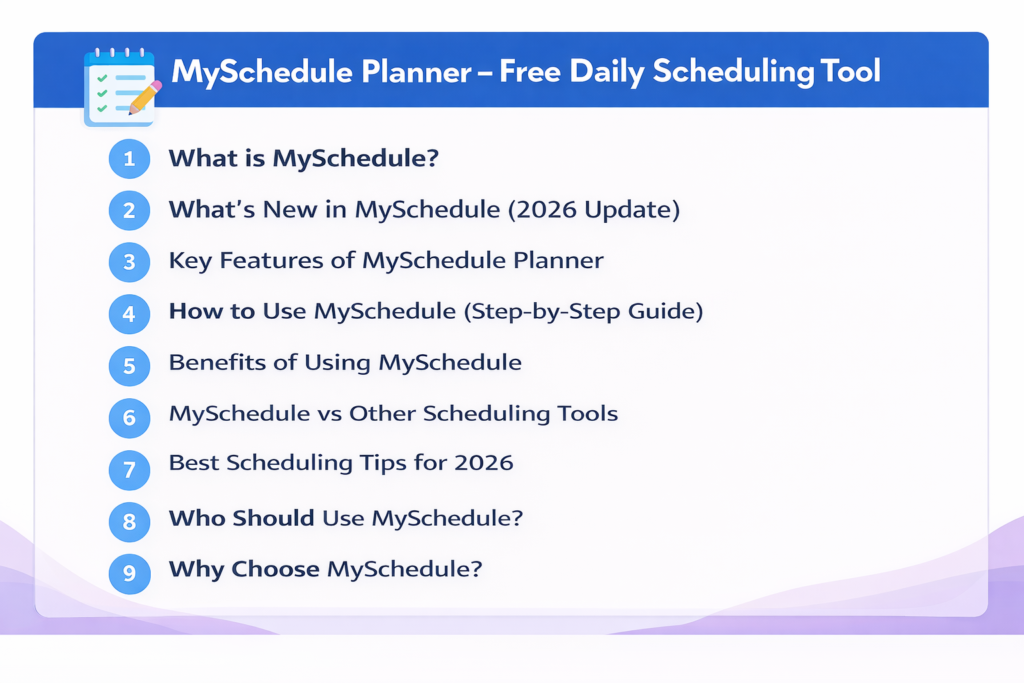
What is MySchedule?
MySchedule is a digital daily planner that helps users create structured schedules and manage their time efficiently. It is designed for people who want a clean and simple way to plan tasks, set priorities, and track their progress.
Unlike many complicated scheduling tools, MySchedule focuses on simplicity. You don’t need technical knowledge or advanced features to use it. Everything is designed in a way that even beginners can start planning their day within minutes.
It works as a complete productivity solution where users can plan tasks, organize routines, and ensure that no important work is missed. Whether it’s personal tasks or professional work, MySchedule helps keep everything in one place.
What’s New in MySchedule (2026 Update)
- ✅ Faster and more responsive interface for smooth navigation
- ✅ Improved mobile compatibility for better access on smartphones
- ✅ Enhanced task management system for better organization
- ✅ More accurate reminders and notification features
- ✅ Improved layout for daily, weekly, and monthly planning
Key Features of MySchedule Planner
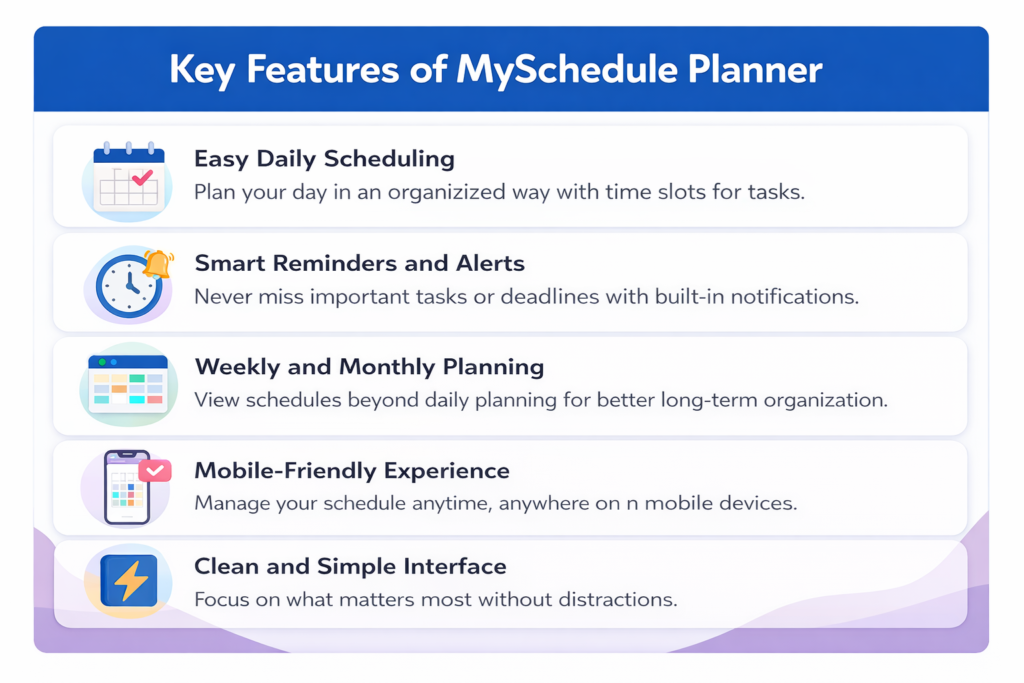
- 📅 Easy Daily Scheduling: Plan your day in an organized way with time slots for tasks.
- ⏰ Smart Reminders and Alerts: Never miss important tasks or deadlines with built-in notifications.
- 📊 Weekly and Monthly Planning: View schedules beyond daily planning for better long-term organization.
- 📱 Mobile-Friendly Experience: Manage your schedule anytime, anywhere on mobile devices.
- ⚡ Clean and Simple Interface: Focus on what matters most without distractions.
How to Use MySchedule (Step-by-Step Guide)
- ✅ Step 1: Create Your Task List
- ✅ Step 2: Assign Time Slots
- ✅ Step 3: Set Priorities
- ✅ Step 4: Track Your Progress
- ✅ Step 5: Review and Improve
Benefits of Using MySchedule
- ✅ Better organization of tasks and responsibilities
- ✅ Improved focus and time efficiency
- ✅ Reduced stress and mental overload
- ✅ Clear understanding of daily goals
- ✅ Increased productivity and performance
- ✅ Better balance between work and personal life
MySchedule vs Other Scheduling Tools
| Feature | MySchedule | Other Tools |
|---|---|---|
| Easy to Use | ✅ | ❌ |
| Beginner Friendly | ✅ | ❌ |
| Free Features | ✅ | Limited |
| Clean Interface | ✅ | ❌ |
| Mobile Access | ✅ | ✅ |
Best Scheduling Tips for 2026
- 🔹 Plan Your Day in Advance
- 🔹 Avoid Overloading Tasks
- 🔹 Use Time Blocking
- 🔹 Take Breaks
- 🔹 Stay Consistent
Who Should Use MySchedule?
- ✅ Students managing study schedules
- ✅ Freelancers handling multiple projects
- ✅ Office workers organizing daily tasks
- ✅ Entrepreneurs planning business activities
- ✅ Anyone who wants to improve time management
Why Choose MySchedule?
MySchedule is designed for simplicity, speed, and effectiveness. Unlike complicated productivity tools, it focuses on providing a smooth experience without unnecessary features. It helps users stay organized, reduce stress, and achieve goals more efficiently. Regular updates ensure it continues evolving as a reliable scheduling solution.
Frequently Asked Questions
- ✅ What is MySchedule used for? Planning daily tasks, organizing schedules, and improving time management.
- ✅ Is MySchedule free to use? Yes, it offers free features for basic scheduling needs.
- ✅ Can beginners use MySchedule? Yes, it is simple and beginner-friendly.
- ✅ Does MySchedule work on mobile devices? Fully optimized for mobile with notifications.
Conclusion
In 2026, effective time management is more important than ever. MySchedule Planner provides a simple yet powerful solution. Its user-friendly interface and practical features help users stay organized, focused, and productive. Start using it today to take control of your schedule with confidence.